




WhatsApp Marketing for Singapore Businesses: How to Turn Enquiries into Paying Clients (Step-by-Step)
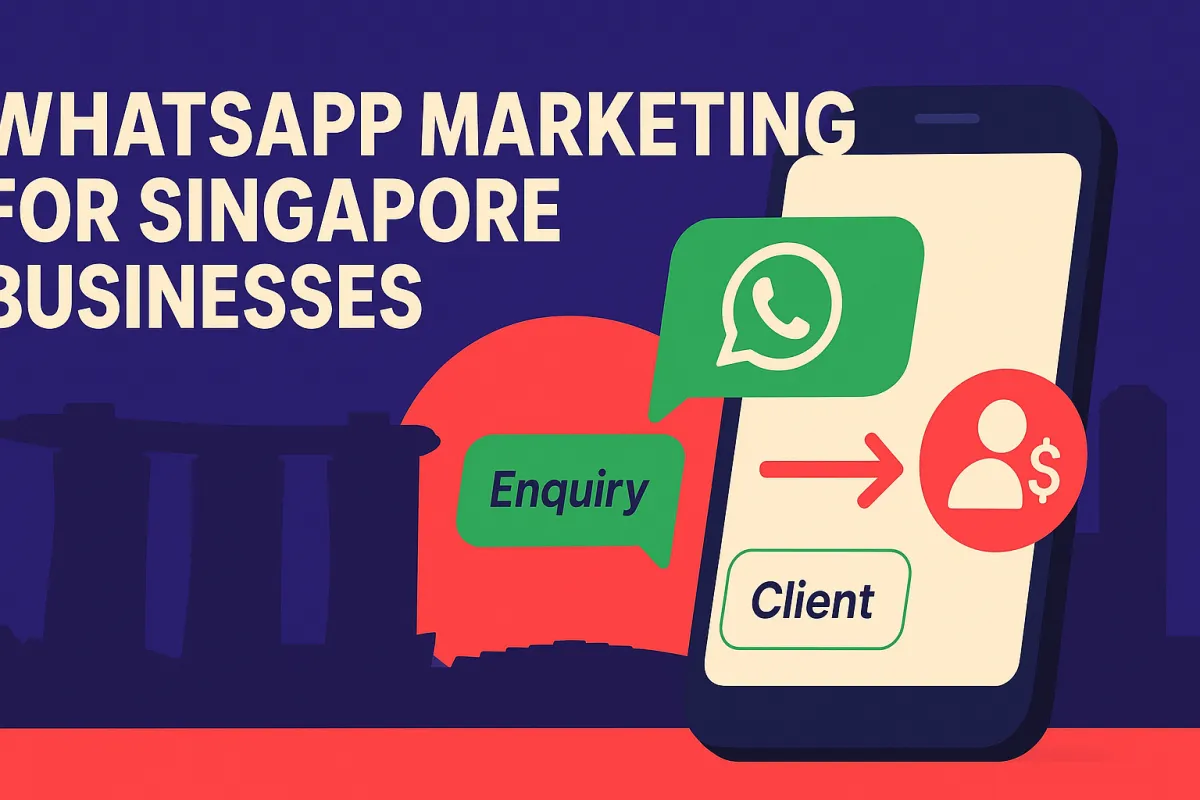
WhatsApp is used by over 80% of Singaporeans and that means, it is most powerful direct marketing channel available to Singapore business owners. Yet most businesses treat it like a simple messaging app, missing a massive opportunity to automate lead generation, nurture prospects, and close sales on autopilot.
This step-by-step guide shows you exactly how to build a WhatsApp marketing system for your Singapore business that turns cold enquiries into paying clients consistently.
Why WhatsApp Marketing Works So Well in Singapore
Unlike email (which averages 20–25% open rates), WhatsApp messages see open rates of up to 98%. In Singapore's fast-paced, mobile-first culture, people check WhatsApp constantly — making it the fastest way to reach your audience and get a response.
For service-based businesses, coaches, consultants, clinics, and SMEs, WhatsApp marketing can:
Instantly follow up with new leads
Re-engage cold prospects who didn't reply to email
Broadcast promotions to existing clients
Automate appointment reminders and confirmations
Provide 24/7 customer service via automated responses
Step 1: Set Up a WhatsApp Business Account Properly
If you're still using a personal WhatsApp number for business, it's time to upgrade. Set up a WhatsApp Business account and configure:
A professional business profile with your logo, description, address, and website
Quick Replies for common questions like pricing and availability
Away messages so enquiries get an instant response even outside business hours
Greeting messages welcoming new contacts automatically
This alone will make you look more professional and ensure no enquiry goes unanswered.
Step 2: Create a WhatsApp Opt-In Funnel
Don't wait for people to message you. Proactively build your WhatsApp list. Here's how:
Add a 'Chat on WhatsApp' button to your website and landing pages
Include a WhatsApp opt-in field in your lead generation forms
Run Facebook or Instagram ads with 'Send WhatsApp Message' as the CTA
Add your WhatsApp link to your Instagram bio and Google Business Profile
Offer a lead magnet deliverable via WhatsApp (e.g., 'Reply GUIDE to receive your free checklist')
Every new lead that opts in through WhatsApp is significantly more engaged than a cold email subscriber.
Step 3: Build an Instant Follow-Up Automation
Speed is everything in WhatsApp marketing for Singapore businesses. When someone sends their first message, your automated response should fire within 60 seconds.
A winning first-message sequence looks like this:
Immediate greeting: Welcome them by name and confirm you're sending what they asked for.
Deliver value immediately: Send the guide, checklist, or free resource they opted in for.
Qualify with a question: Ask about their biggest challenge in your area of expertise.
Book the call: Once they respond, send a calendar booking link for a free strategy call.
With the Amply360 Growth monthly plan + WhatsApp Integration, you can set up this entire WhatsApp automation sequence, including the follow-up triggers, conditional logic, and booking integration without writing a single line of code.
Step 4: Set Up a 5-Day WhatsApp Nurture Sequence
Not every lead will book immediately. That's normal. A 5-day automated WhatsApp nurture sequence keeps you top of mind:
Day 1: Welcome and deliver your lead magnet
Day 2: Share a quick tip or success story relevant to their pain point
Day 3: Address a common objection about whether your solution works for their situation
Day 4: Share a client testimonial or case study from a Singapore business
Day 5: Direct invitation to book a call or purchase
And yes, surprise surprise, you can set all of this up with Amply360.
Step 5: Use WhatsApp Broadcasts to Re-Engage and Upsell
Once you have a WhatsApp contact list, broadcast messages are gold. Use them for:
Monthly tips and value content to stay top of mind
Promotional offers or limited-time discounts
New service announcements
Webinar or event invitations
Re-engaging cold leads who haven't responded in 30+ days
Keep broadcasts conversational — write like you're texting a friend, not sending a formal email newsletter.
Step 6: Automate Appointment Reminders via WhatsApp
No-shows are one of the biggest time-wasters for service businesses in Singapore. WhatsApp appointment reminders dramatically reduce no-show rates. Set up:
A confirmation message immediately after booking
A reminder 24 hours before the appointment
A final reminder 1 hour before
A follow-up after the appointment to request feedback or book the next session
Ready to Automate Your WhatsApp Marketing?
WhatsApp is Singapore's most powerful marketing channel — and with the right automation system, it can generate leads and close clients for you 24/7, even while you sleep.
The Amply360 Growth Plan includes full WhatsApp automation, CRM, landing pages, calendar booking, and more — everything a business needs to grow smarter.